# Embed a live REPL on a website
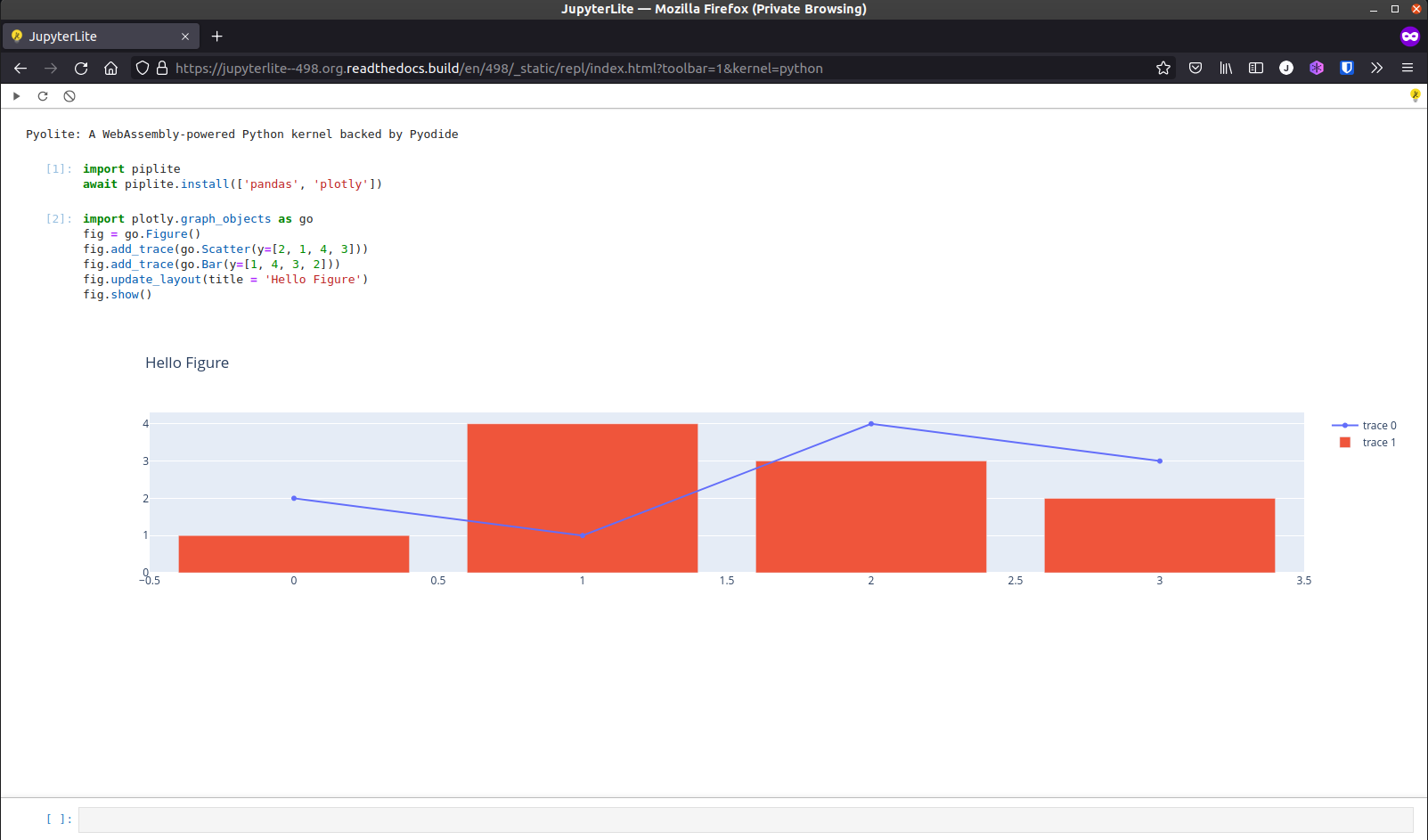
JupyterLite includes a minimal `REPL` application by default, based on the JupyterLab
Code Console.
```{hint}
Check out the [Quick Start Guide](../quickstart/deploy.md) to learn how to deploy your own JupyterLite website
and have full control on the environment and extensions installed.
The snippets below use the public facing [jupyterlite.github.io/demo](https://jupyterlite.github.io/demo) as an example.
```
## Embedding the REPL on another website
Once you have a JupyterLite deployment ready to use, you can embed the REPL on any
website with the following code snippet:
```html
```
## Configuration
The behavior and the look of the REPL can be configured via URL parameters.
### Select a kernel by default
To avoid the kernel selection dialog and choose a given kernel by default:
```html
```
### Enable the toolbar
The toolbar can be enabled (opt-in) to add a couple of useful buttons:
```html
```
### Auto execute code on startup
Custom code can automatically be executed on startup:
```html
```
### Populate the prompt without executing
To populate the prompt cell without executing the code:
```html
```
### Themes
It is also possible to select a theme, for example to use `JupyterLab Dark`:
```html
```
Additional themes can be installed with `pip` if they are distributed as a JupyterLab
prebuilt extension. For example:
```bash
pip install jupyterlab-gt-coar-theme
```
See the [how-to guides](../howto/index.md) for more details on how to customize the
environment and add more themes and extensions.
### Clear cells on execute
To automatically clear the previously executed cells on execute, set the
`clearCellsOnExecute` parameter to `1`:
```html
```
### Clear code content on execute
To automatically clear the code content in the prompt cell on execute, set the
`clearCodeContentOnExecute` parameter to `1`:
```html
```
### Hide code input
To hide the input cell of the executed cells, set the `hideCodeInput` parameter to `1`:
```html
```
### Prompt cell position
To change where the prompt cell is placed, set the `promptCellPosition` parameter to
`top`, `bottom`, `left`, or `right`:
```html
```
### Show or hide the kernel banner
By default the REPL shows the kernel banner.
To hide the banner, set the `showBanner` parameter to `0`:
```html
```
## Single Executable Cell
By configuring the REPL with the options mentioned above, the REPL becomes a single
executable cell:
```html
```